Search in advanced mode
- Input a search string in advanced search query syntax
- Make sure that Search Target is set to English Transcript
- Check Advanced Search
- Click on SEARCH
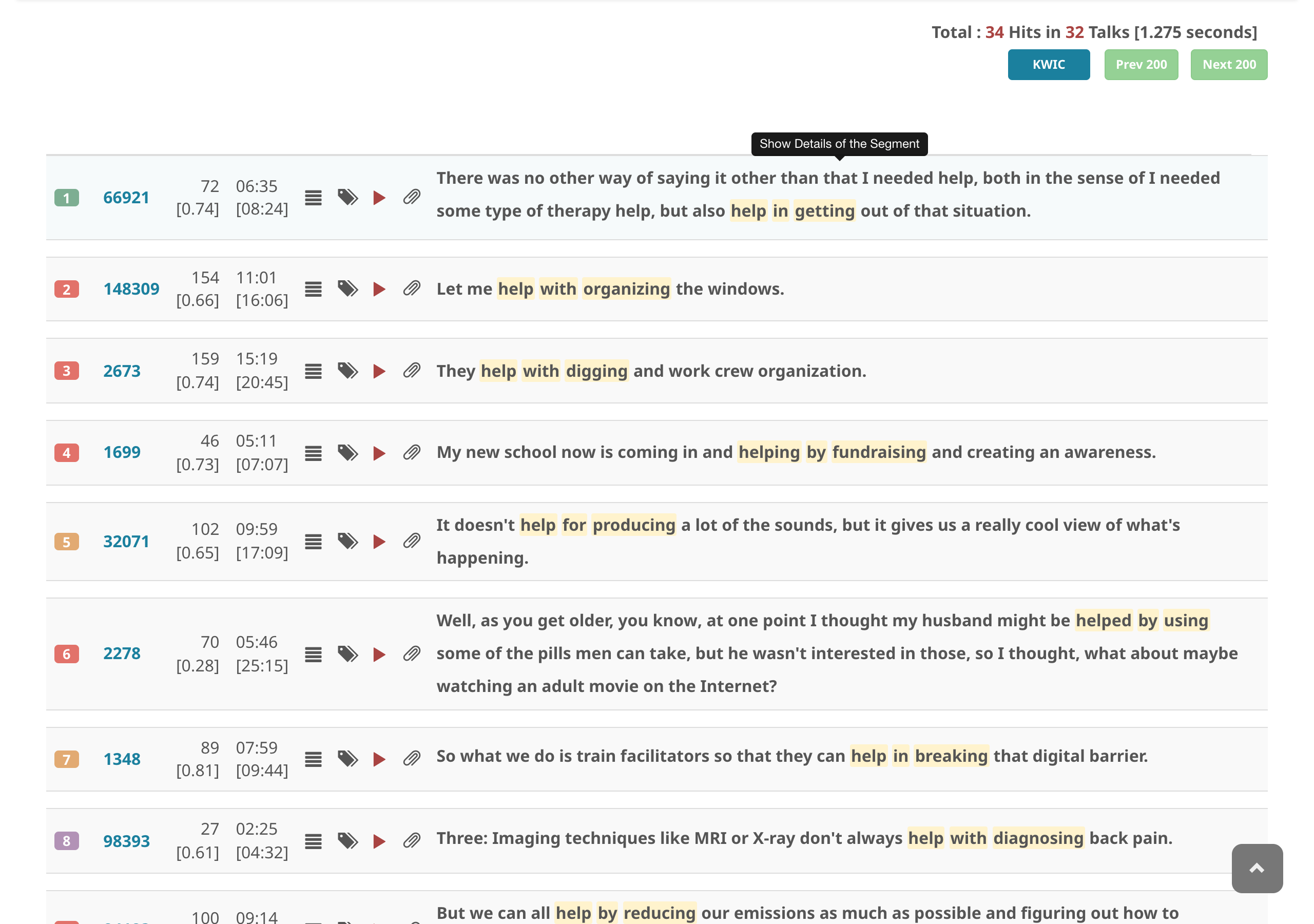
Advanced search supports POS tags, lemmas, dependency relations, morphological features, named entities, wildcards, typed noun-chunk slots (_{pron}, _{%PERSON}, _{[life]}), and lemma echo across slots (:N / =N). See the query syntax reference for details.
The total counts rows (segments, or expanded segments), as in a plain search. A row that matches more than once counts once and shows all of its matches highlighted; the KWIC view centres on the first one. Before v13.8.0 the total counted matches instead, so it was larger than the number of rows that could be shown.